

Getting started
Your first week as an owner or admin
Owners and Admins can do everything in itsPOS, in every shop: the settings for the whole business, roles, VAT, and everything a Shop manager does. Only Owners manage billing, close the account and change other Owners. Here is what to read in your first week, in order.
For: Owners and Admins3 min read
Day one
- Your first day with itsPOS: the checklist: set your shop up in order and sell the same day.
- Moving from another till: bring your products, stock, customers, trade customers and old sales.
- Find your way round the back office: the menu, the top bar, searching settings and Help.
How your business works
- How settings work: business-wide and shop settings, locks and drafts, and who can change what.
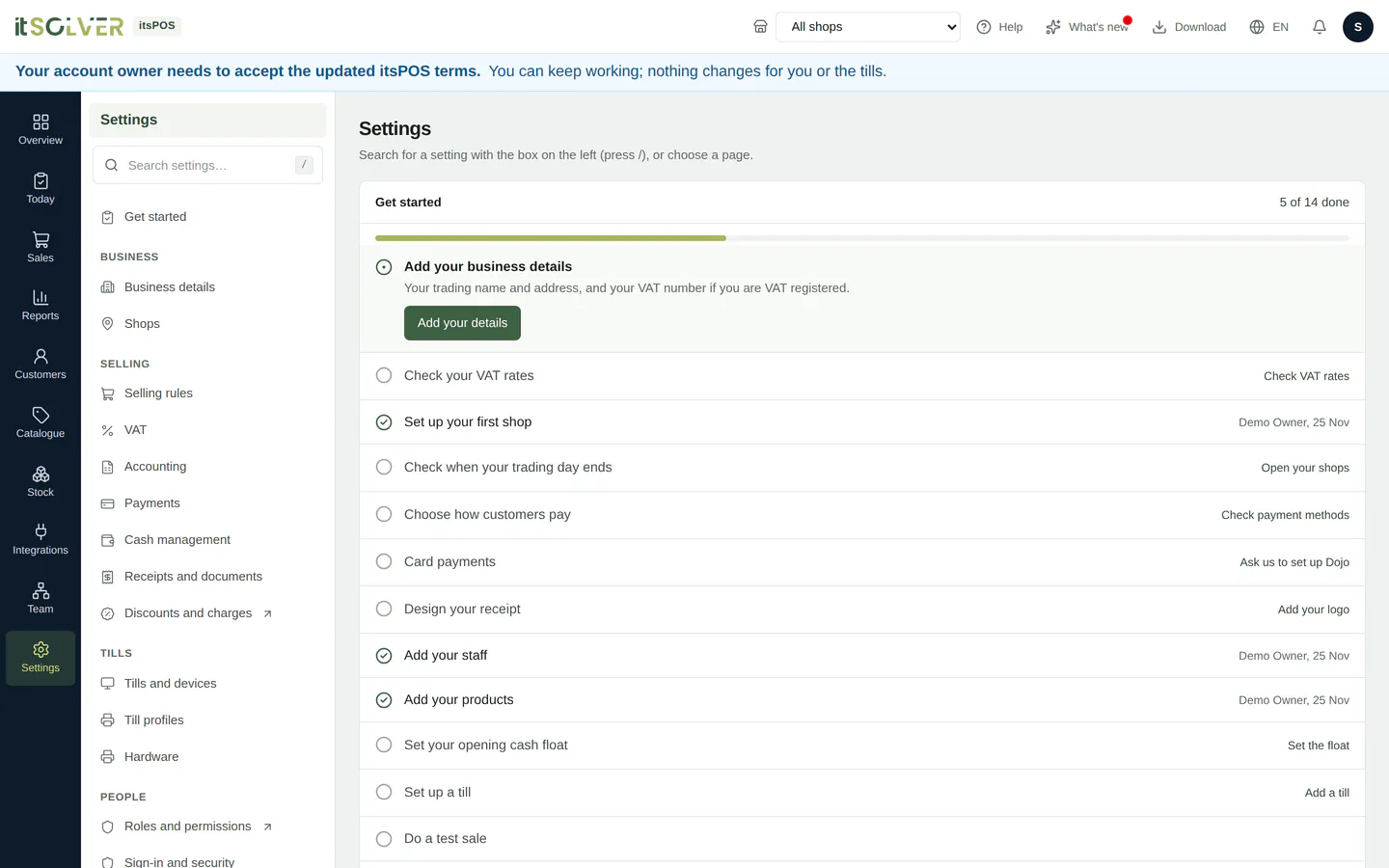
Settings - Business details: what prints on receipts, invoices and emails.
- VAT: your rates, your VAT scheme and VAT invoices.
- Selling rules: how the till behaves, section by section.
- Till profiles: the sell screen, receipts and devices shared by many tills.
Your team
- Adding staff: each person with a role, their shops and a till PIN.
- Signing in safely: passkeys and two-step sign-in for the back office.
- "Roles and permissions", "What each role can do" and "Make your own role": in the back office's Help when you're signed in. You can change the till limits of Shop managers, Supervisors and Cashiers.
Payments and partners
- How card payments work: card machines come from our card payment partner and work with itsPOS. Ask us to set it up and we order your card machine.
- Integrations: what connects to itsPOS. The itsPOS support team switches each integration on for you.
- Getting hardware through itsPOS and Which hardware works with itsPOS: printers, drawers, scanners and scales. Scales are bought through itsPOS, and the itsPOS Scale Sync app is switched on for a shop when you ask.
- Open your online store: if your plan has an online store.
Your account
- "Your plan, add-ons, till licences and monthly allowances" and "What's on each plan": in the back office's Help when you're signed in.
- Contact the itsPOS support team: phone, WhatsApp, email and Report a problem.
- Service status: where we tell you if itsPOS has a problem.
Then the daily jobs
Everything a Shop manager does day to day is yours too: the Today list, prices and labels, deliveries and counts, cash-up and banking, staff and approvals. See Your first week as a shop manager.
Still stuck?
The itsPOS support team is here 08:00 to 20:00 every day except Christmas Day.
- Call or WhatsApp: +44 7488 880320
- Email: support@itspos.io
- In the back office: Help › Contact support, or go to app.itspos.io/help/contact after you sign in
- On our website: itspos.io/contact
Tell us your shop's name and what you were trying to do. A screenshot of the screen helps.