

Getting started
Your first week as a shop manager
As a Shop manager you run your own shops: in the back office (app.itspos.io) and on the tills. You see and change the people, sales and stock of your shops only. Here is what to read in your first week, in the order you'll need it.
For: Shop managers3 min read
Every morning
- Find your way round the back office: the menu, the shop list at the top, and Help on every page.
- The Today list and approving from your phone: what to do in each shop today, each item opening where you do it.
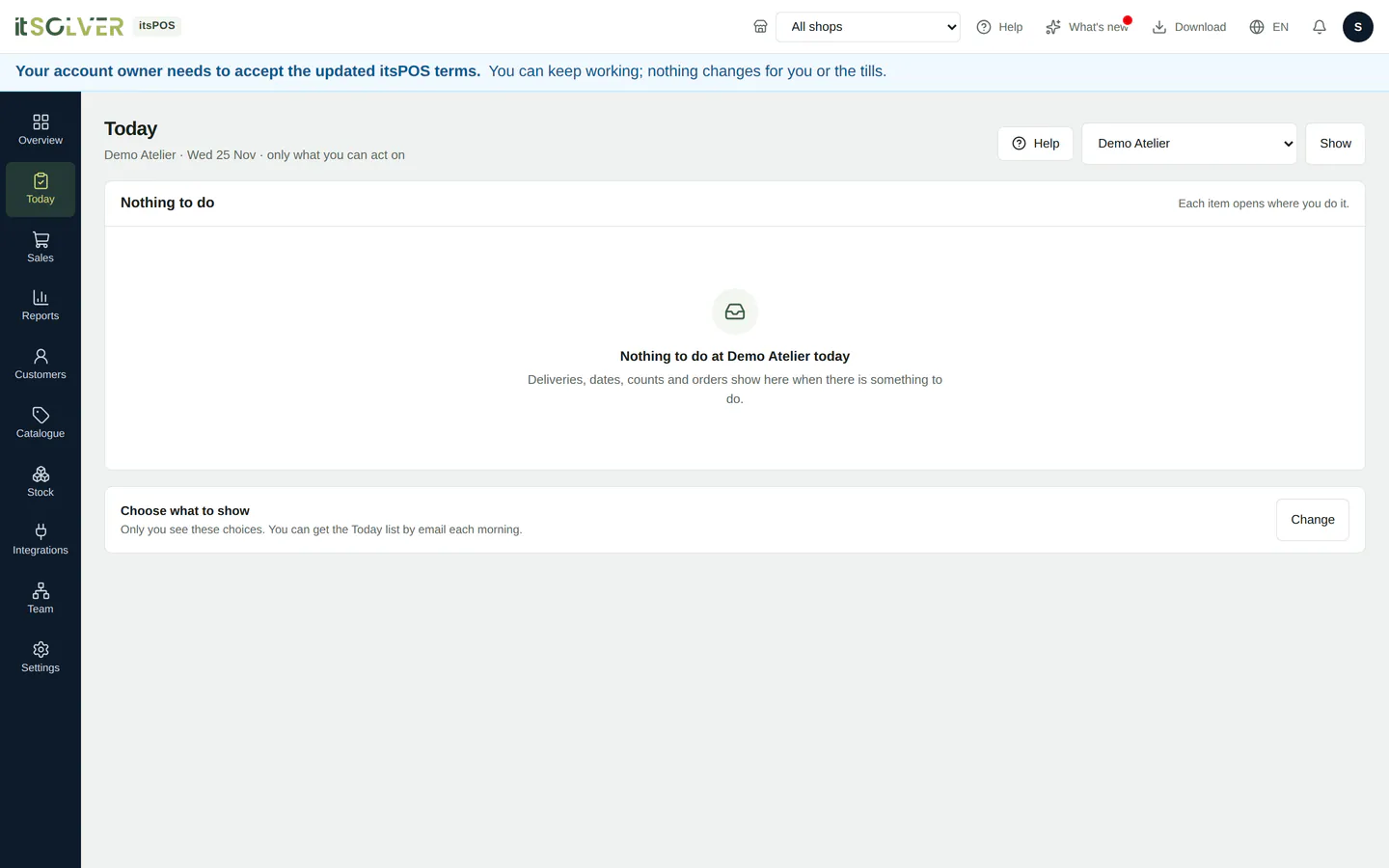
Today for one shop - Your Overview: how today is going against your target.
- Sales › Things to check: refunds soon after a sale, drawer differences and card payments that don't match. Its guide is in the back office's Help when you're signed in.
Prices, promotions and labels
- Change a product's price: today, from a date, or for one shop.
- Promotions: multi-buys, % off and coupons. You may add and change promotions for your own shops, up to your own till discount limit.
- Print shelf labels: new prices, promotions and unit prices to reprint today.
Stock
- Receive a delivery: check what arrived against the order, in the back office or on the till.
- Count your stock: a full count or a few shelves.
- Waste, damage and out-of-date stock: with the reason, so the figures stay right.
- Suggested orders and purchase orders: what to order and when.
Cash and the end of the day
- Close the shift and cash up: what your cashiers do on the till at close.
- Cash drawer shifts in the back office: check each shift's count and difference.
- Office cash, safe drops and banking: bank the safe drop bags and record what was paid in.
Your team
- Adding staff: add someone in three fields with their till PIN.
- PINs and badges: a new PIN for someone who forgot theirs, and pairing a badge.
- Hours and the payroll export: fix clock times, approve the week and export hours.
At the till
You approve what cashiers and supervisors can't do on their own, with your 6-digit PIN, your badge or your phone. Your own starting limits: any refund with a receipt, and manual discounts up to 25%; your business can change these.
- Set up a new till: install, activate and give it its shop and till profile.
- Settings on the till: test the printer and drawer, run a test sale, switch a till to the Practice shop.
- Train staff in the Practice shop: a safe copy for new starters.
"Manager approvals at the till" (every rule with its default for each role) and "What each role can do" are in the back office's Help when you're signed in.
Still stuck?
The itsPOS support team is here 08:00 to 20:00 every day except Christmas Day.
- Call or WhatsApp: +44 7488 880320
- Email: support@itspos.io
- In the back office: Help › Contact support, or go to app.itspos.io/help/contact after you sign in
- On our website: itspos.io/contact
Tell us your shop's name and what you were trying to do. A screenshot of the screen helps.