

Online store
About us, terms, privacy, questions and returns pages
Your online store has five information pages. You write four of them in Settings › Online store › Store settings › Information pages; the Returns page comes from your returns policy. Each page shows in the footer, and About and FAQ also in the header, once it has something in it.
For: Owners and AdminsOn some plans3 min read
Write a page
Open Settings › Online store and open the Information pages card.
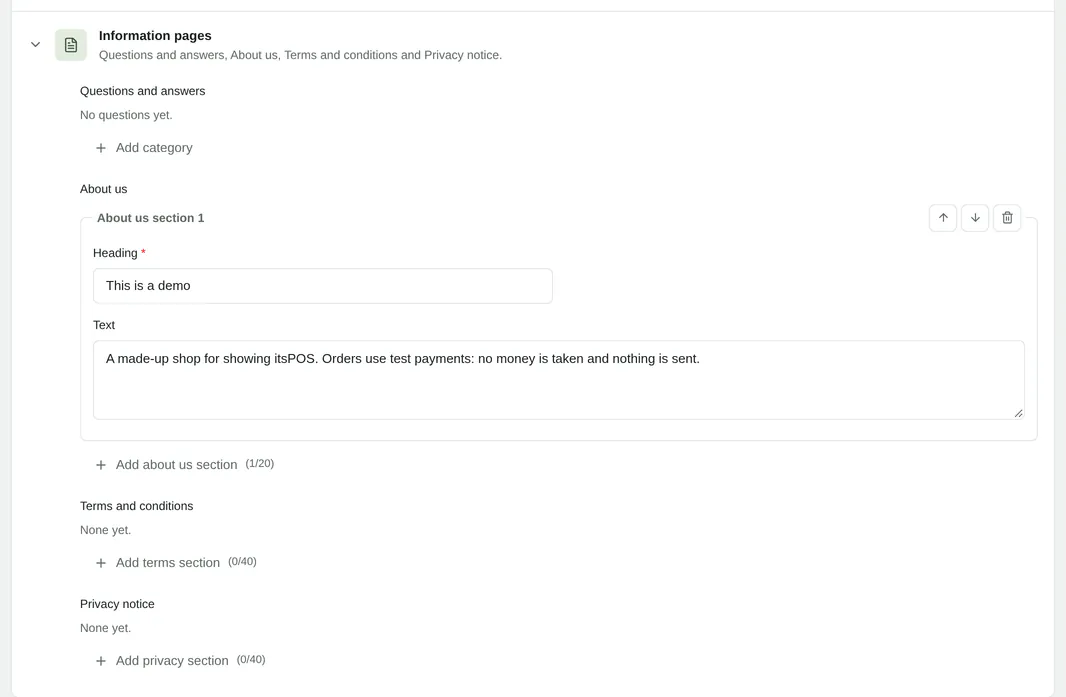
Store settings, Information pages For About us, Terms and conditions or Privacy notice, press Add about us section (or Add terms section, Add privacy section), type a Heading and the Text. Add as many sections as you need; move them up or down with the arrows.
For Questions and answers, press Add category, type the Category name (for example "Orders"), then each question and its answer.
Press Save store settings.
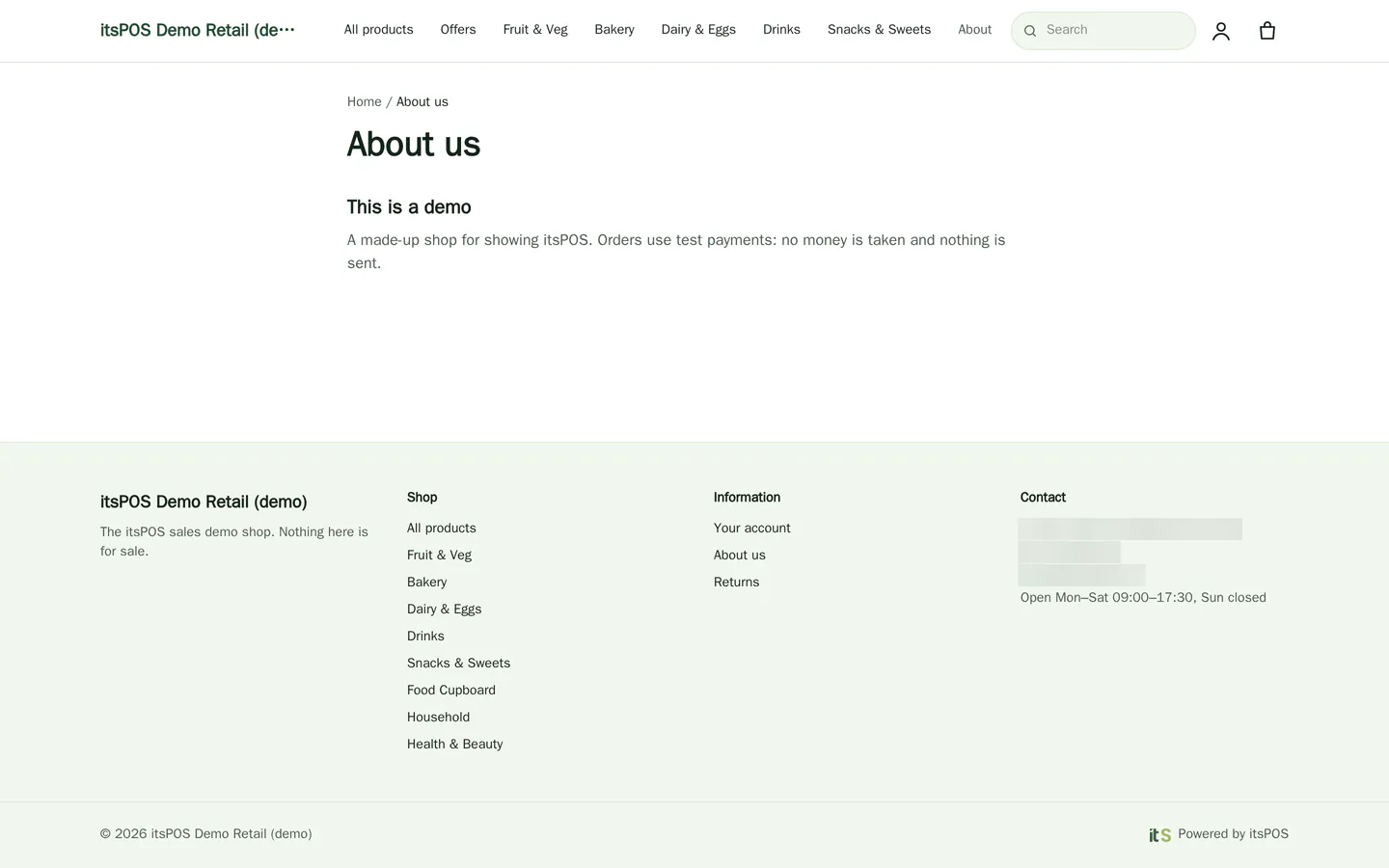
The pages are at your store's address followed by /about, /terms, /privacy and /faq.
What to put on each page
- About us: who you are, where your shop is, what makes you different.
- Terms and conditions: who sells (your business name and address), prices and VAT, how orders, delivery and collection work, cancellations and returns, and how to contact you. UK law says what online shops must tell shoppers before they buy; GOV.UK's guidance on selling online and the Consumer Contracts Regulations is a good starting point. itsPOS doesn't write your terms for you.
- Privacy notice: what you keep about shoppers (name, email, phone, address), why, for how long, and how they can ask for it. Shoppers who use itsPass are also covered by itsPass's own privacy notice.
- Questions and answers: the questions shoppers ask you most, such as when they can collect or how fresh food is packed.
The Returns page
The Returns page shows Returns allowed within and the Returns policy from Settings › Selling rules, the same words your receipts print: for example "You can return items within 30 days of buying them." and "Please keep your receipt. You can return unused items within 30 days." It is at your store's address followed by /returns.
The shopper's right to cancel
Whatever your pages say, shoppers who buy online can cancel or return most items within 14 days of getting them. Your store shows this on every order, with Cancel or return items, and leaves out items the law lets you refuse, such as fresh food, once they are sent. You choose which products those are on each product's Online store card (Can shoppers cancel it once sent?). See Refunds, cancellations and returns.
If something goes wrong
- A page isn't in the footer: it has no sections yet; a section needs a Heading.
- "… is required": a section or banner has text but no heading or picture. Fill it in or remove the row.
Still stuck?
The itsPOS support team is here 08:00 to 20:00 every day except Christmas Day.
- Call or WhatsApp: +44 7488 880320
- Email: support@itspos.io
- In the back office: Help › Contact support, or go to app.itspos.io/help/contact after you sign in
- On our website: itspos.io/contact
Tell us your shop's name and what you were trying to do. A screenshot of the screen helps.