

Online store
Stock online: keep back, low stock, out of stock and one shop per order
Your online store sells from the same stock as your tills, live. It never sells what you don't have: when the last one goes at the till, the store knows within a second.
For: Owners, Admins and Shop managersOn some plans3 min read
One shop per order
Every online order comes from one shop, never split between shops:
- Click and collect: the collection point the shopper chooses. Each of your collection points is a shop in Settings › Online store › Delivery and collection.
- Delivery: the collection point marked Delivery orders ship from here.
So the store looks at what one shop can sell, not your total across shops. If the shop the shopper chose doesn't have everything in the basket, checkout says "This shop doesn't have everything in your basket. Choose another." and offers the shops that do.
What one shop can sell online
What the store can sell at a shop is:
the shop's stock − what is already held for other orders − what you keep back for the shop − stock that isn't for sale (for example damaged stock you are holding).
Keep back for the shop is on each collection point: for example 2 leaves the last two of every product for customers in the shop. A product can have its own number on its Stock card (Keep back for the shop at each shop), which wins over the collection point's.
What shoppers see
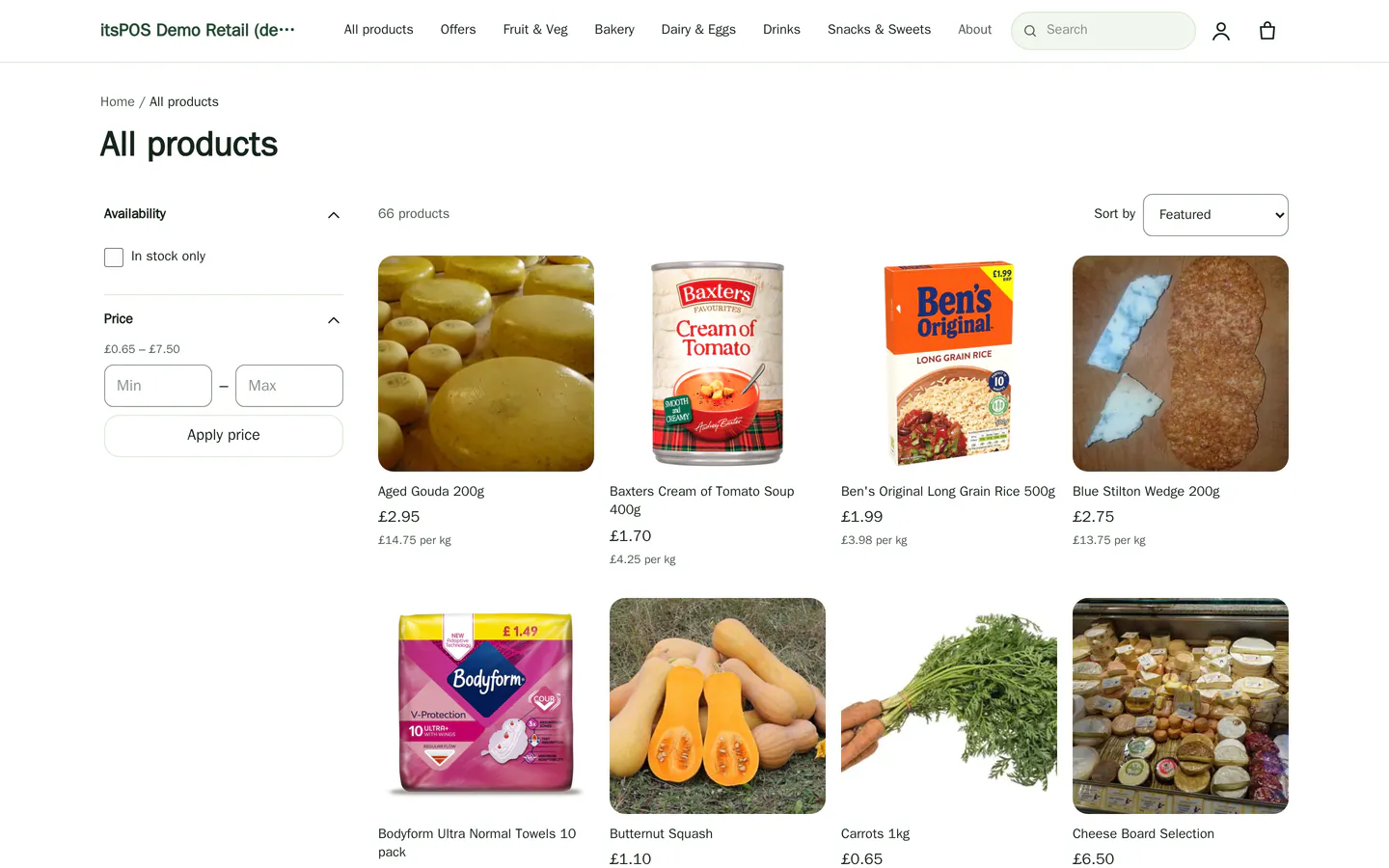
| The shop can sell | The store shows |
|---|---|
| More than your low stock number | "In stock" on the product page |
| Your low stock number or fewer | "Low stock" (set with Show 'Low stock' and Show 'Low stock' at, 5 by default) |
| None | "Out of stock" with no basket button, or nothing at all when Hide items that are out of stock is on |
The store never shows how many are left. A shopper who asks for more than there are sees "Only 3 left" and can buy those.
Products that don't track stock
A product with Track stock off is always in stock online (a service, a gift wrap).
While a shopper pays
At checkout the store holds the items for 15 minutes: "We hold your items for 15 minutes while you pay." Held items can't be sold to anyone else, online or at the till. If the shopper doesn't pay in time, the hold ends and the items are back on sale. When they pay, the items are taken off stock as an online sale at that shop.
Scenarios
- Hide sold-out items and show Low stock: tick Hide items that are out of stock, choose When this many or fewer are left and type 5. Sold-out products leave the store and come back when a delivery is booked in.
- A customer wants to collect at another branch: they choose that collection point at checkout; the store checks that branch's stock.
Still stuck?
The itsPOS support team is here 08:00 to 20:00 every day except Christmas Day.
- Call or WhatsApp: +44 7488 880320
- Email: support@itspos.io
- In the back office: Help › Contact support, or go to app.itspos.io/help/contact after you sign in
- On our website: itspos.io/contact
Tell us your shop's name and what you were trying to do. A screenshot of the screen helps.