

Real shop situations
A delivery arrives short
Green Street Grocer ordered 10 cases of Heinz Baked Beans from Demo Cash & Carry. The driver brings 8. The invoice still says 10. Here's how to pay only for what came and get the credit for the rest.
For: Owners, Admins, Shop managers and Stock staff3 min read
Needs itsPOS Till 0.5.33 or later.
The situation
Purchase order PO for Demo Cash & Carry Ltd: 10 cases of 24 Heinz Baked Beans in A Rich Tomato Sauce 415g. The van arrives on Tuesday with 8 cases and an invoice for 10. The stock assistant receives the delivery at the till in the stock room; the manager sends the claim and checks the invoice in the back office.
Receive what came
On the till (Stock staff and managers):
- Tap Stock, then Receive, then A delivery, and choose the purchase order.
- Type the Invoice or delivery note number.
- Scan a case barcode for each case: each scan adds a whole case. The line shows 8 cases against 10 on the order.
- Tap Why fewer? on the Heinz line and choose Short.
- Tap Finish, then answer Is everything from … here? with Partly received: don't expect the rest, because the 2 cases go on the claim.
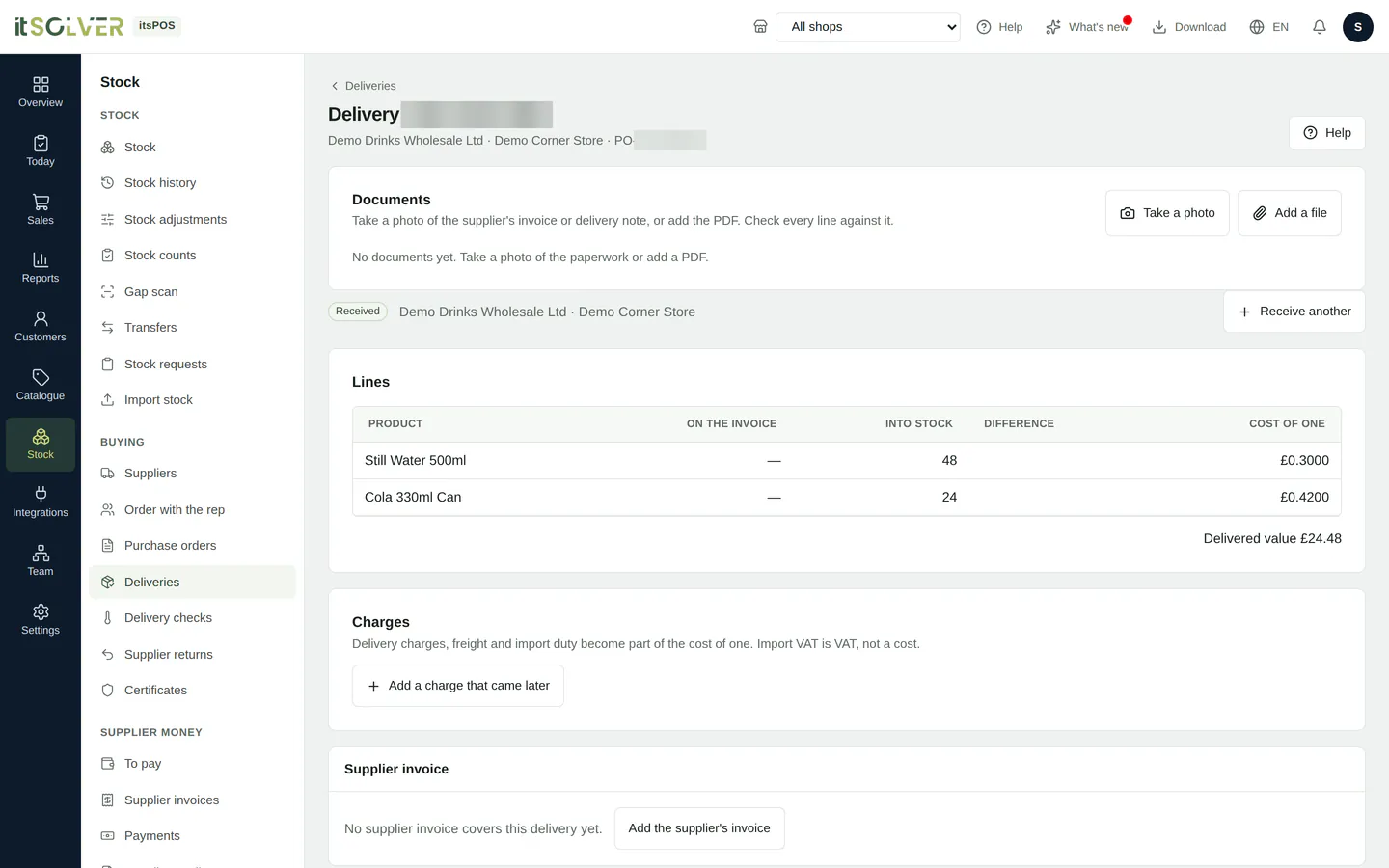
Or in the back office: Stock › Deliveries, Receive a delivery, From a purchase order, type the invoice's number, date and totals, then under Arrived type 8 cases and under Say why choose Short. Press Review, then Finish.
What finishing does
itsPOS says, for example, "Received. Stock is up at Green Street Grocer. A claim for 48 items (£47.04) was drafted for Demo Cash & Carry Ltd as a credit. Invoice … is saved as a supplier invoice."
- Stock goes up by the 8 cases (192 tins) at their cost.
- The 2 missing cases never come into stock: they're on a draft claim, a supplier return.
- The supplier's invoice is saved for all 10 cases, as it's written.
Send the claim
- Press View the claim on the delivery (or open it in Stock › Supplier returns).
- Check the lines: 2 cases of Heinz, Short.
- Set When you save to Send it to the supplier now and press Save changes. Email or phone your rep with it, as you usually do.
Use the credit on the invoice
- When the supplier's credit note comes, open the return and press Record the credit note (or Stock › Supplier credits, New supplier credit).
- Type Their credit note number and press New supplier credit.
- The credit is used straight away on the delivery's invoice, so what you owe is what really arrived.
What you'll see afterwards
- Stock › To pay shows the invoice at the amount you really owe.
- The purchase order is closed. If the 2 cases were coming on the next van instead, choose Partly received: the rest is still coming and they show in Still to come.
- A supplier that's often short shows up in the supplier performance report.
Guides used
Still stuck?
The itsPOS support team is here 08:00 to 20:00 every day except Christmas Day.
- Call or WhatsApp: +44 7488 880320
- Email: support@itspos.io
- In the back office: Help › Contact support, or go to app.itspos.io/help/contact after you sign in
- On our website: itspos.io/contact
Tell us your shop's name and what you were trying to do. A screenshot of the screen helps.